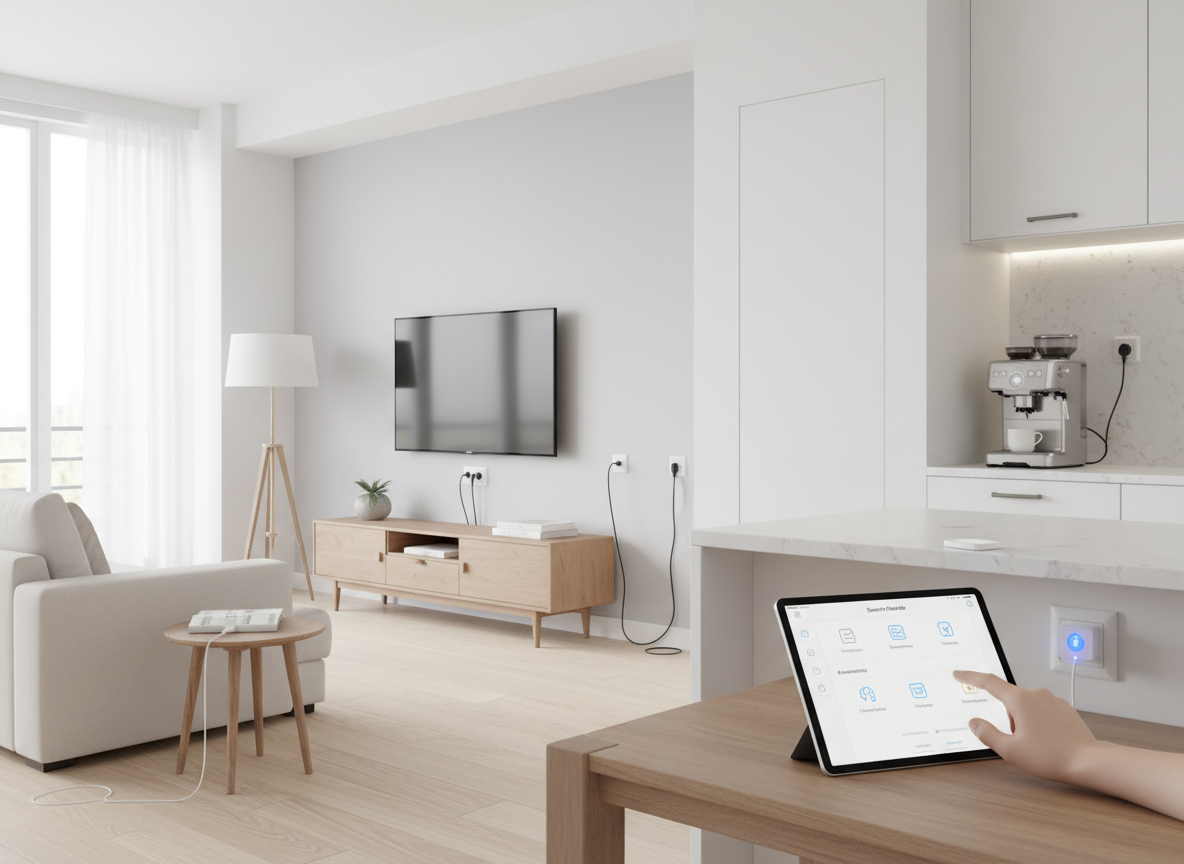
Enhance your home automation experience with smart plugs. This guide provides step-by-step instructions, practical tips, and troubleshooting advice to help you get started with smart technology.
If you're looking to enhance your home automation experience, setting up smart plugs is a great place to start. Smart plugs allow you to control your devices remotely, schedule their operations, and save energy, making them essential components of any smart home ecosystem. In this guide, you'll learn not only how to set up smart plugs but also the various features they offer and the best practices for troubleshooting issues that may arise during installation. Whether you're a tech novice or a seasoned pro, this comprehensive guide will equip you with the knowledge you need to seamlessly integrate smart plugs into your daily routine.
Smart plugs are devices that allow you to control the power supply to any appliance plugged into them using a smartphone app or voice commands. They connect to your home Wi-Fi network, enabling you to turn devices on or off remotely, set schedules, and even monitor energy usage. This means you can control almost any traditional device, transforming it into a smart appliance that enhances convenience and efficiency in your daily life. Imagine being able to turn off the lights or the coffee maker from the comfort of your couch or while you're away from home—this is the power of smart plugs.
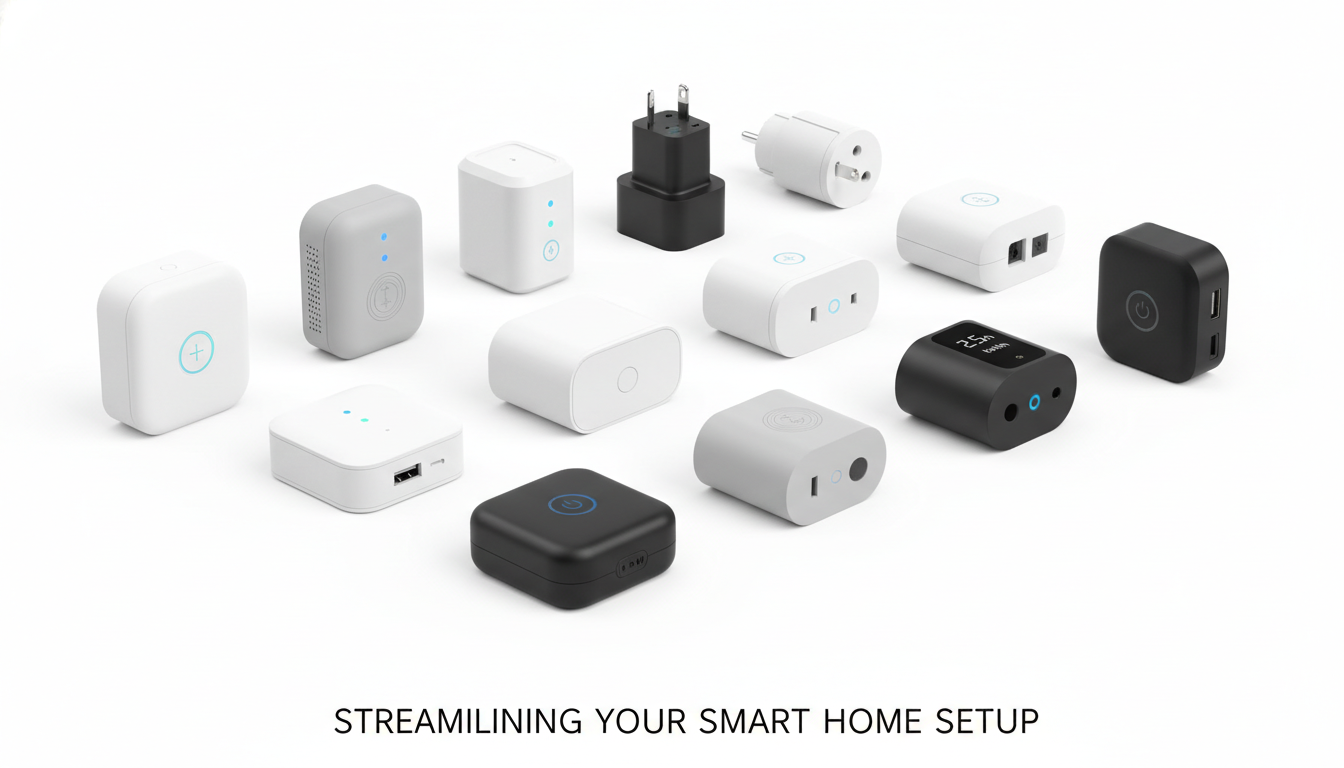
Different types of smart plugs available in the market.
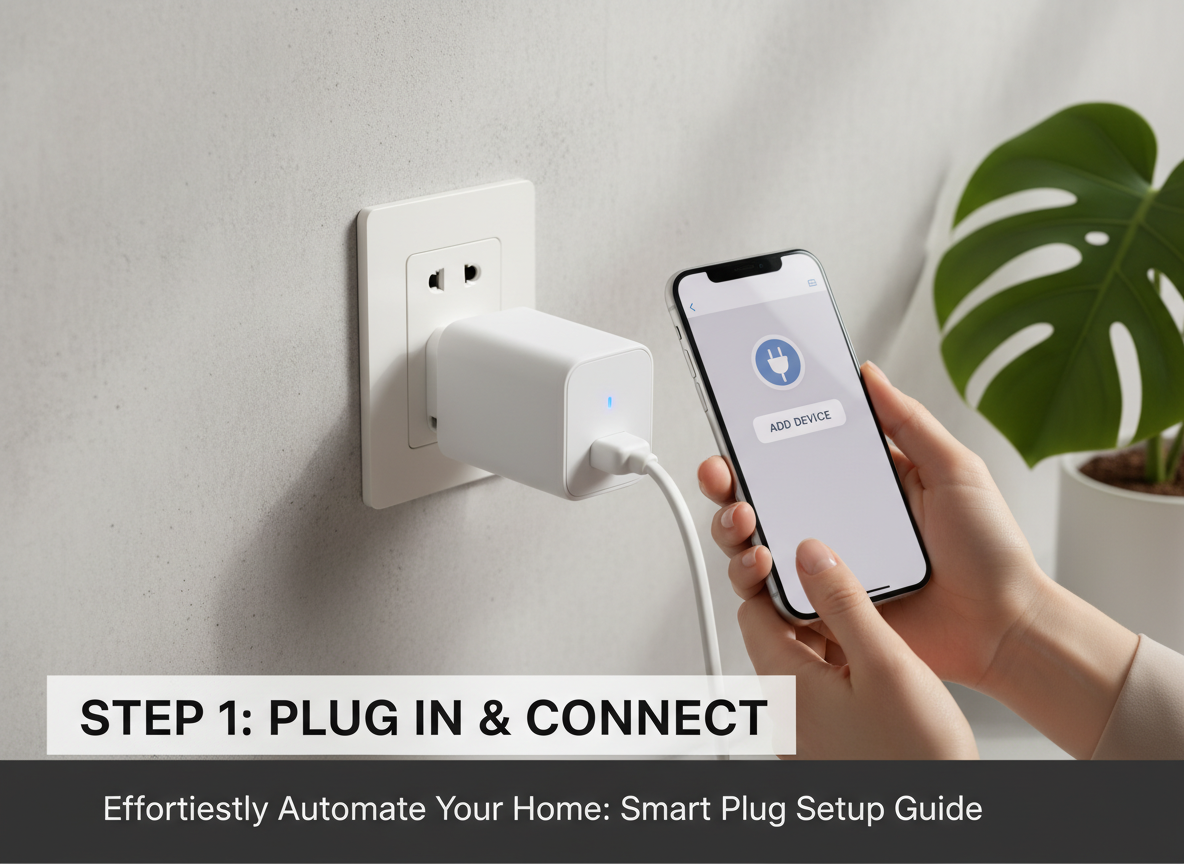
Setting up smart plugs is a straightforward process. Here's a detailed guide that will help you through the installation process, from choosing the right smart plug to connecting it to your Wi-Fi network. To ensure a smooth setup, it's essential to consider compatibility with your home assistant, the features you need, and the design of the smart plug. Once you've selected your smart plug, the installation involves unboxing, plugging it into an outlet, downloading the necessary app, and creating an account if needed. Following that, you will connect the smart plug to your Wi-Fi network through the app, allowing you to control it remotely.
ℹ️Tip for Choosing Smart Plugs
When selecting a smart plug, compatibility is key. Ensure the plug works with your home assistant, such as Alexa, Google Assistant, or Apple HomeKit. Additionally, consider features such as energy monitoring, scheduling capabilities, and remote access options. The design is also important; if you plan on using multiple smart plugs, ensure they fit well in your outlets without blocking adjacent sockets. Taking these factors into account will help you make a well-informed decision, allowing you to maximize the benefits of your smart home setup.
Compatibility
Ensure the smart plug is compatible with your home automation system. Popular options include those that work with Alexa, Google Assistant, or Apple HomeKit. Compatibility ensures that you can control your smart plug with voice commands or through your preferred app, making the integration seamless and intuitive.
Features
Look for smart plugs that offer additional features such as energy monitoring, scheduling capabilities, and remote access. Energy monitoring allows you to track power usage, helping you save on electricity bills. Scheduling lets you set timers for when devices should turn on or off, providing automation that enhances convenience and energy efficiency.
Design
Consider the size and design of the smart plug, especially if you plan to use multiple plugs in a single outlet. Some smart plugs are designed to be more compact to avoid blocking other outlets, which is crucial for maintaining optimal functionality in your home. A sleek design can also enhance the aesthetics of your living space.
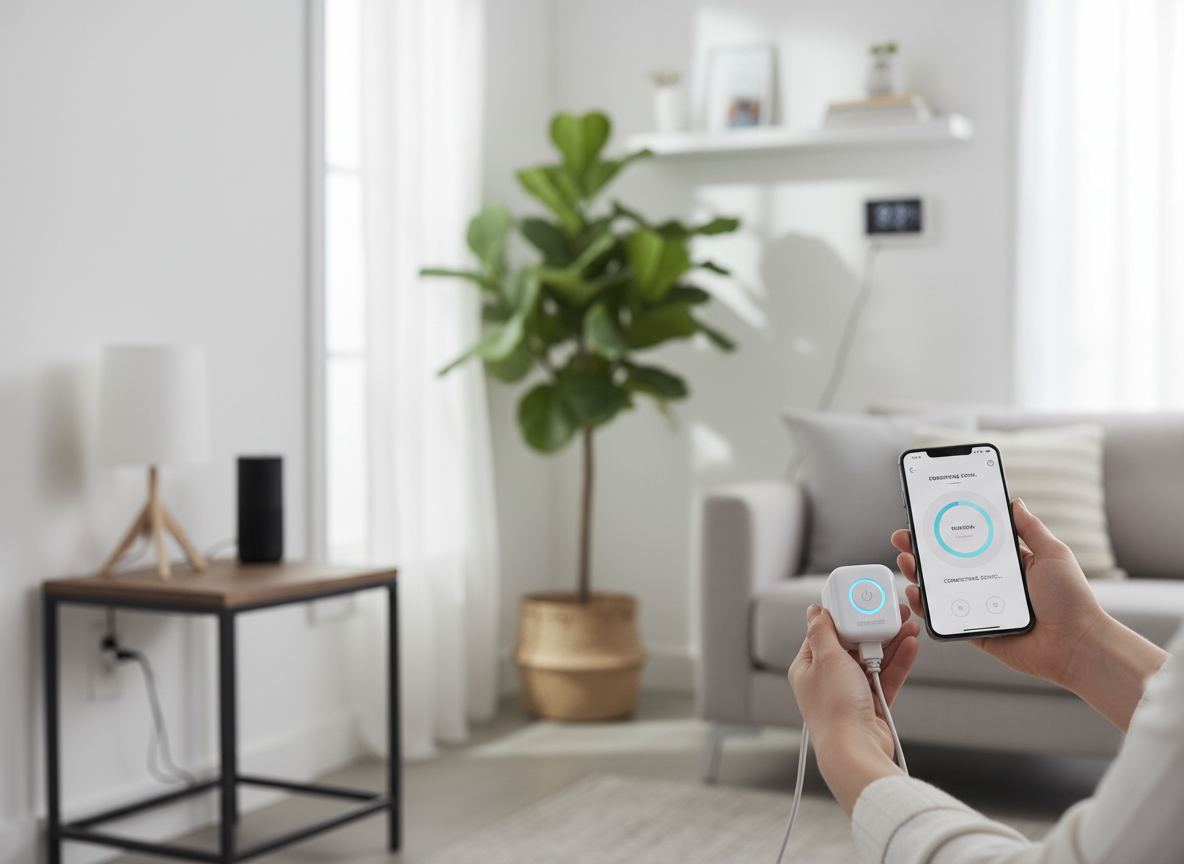
To configure your smart plugs, you need to connect them to your Wi-Fi network. Begin by opening the app you downloaded and look for an option that says 'Add Device' or 'Set Up New Device.' Follow the prompts in the app to select your smart plug and connect it to your home network. This process might involve entering your Wi-Fi credentials, so ensure you have that information handy. Once connected, you can start controlling your smart plug directly from your smartphone, allowing for remote management of your devices from anywhere.